
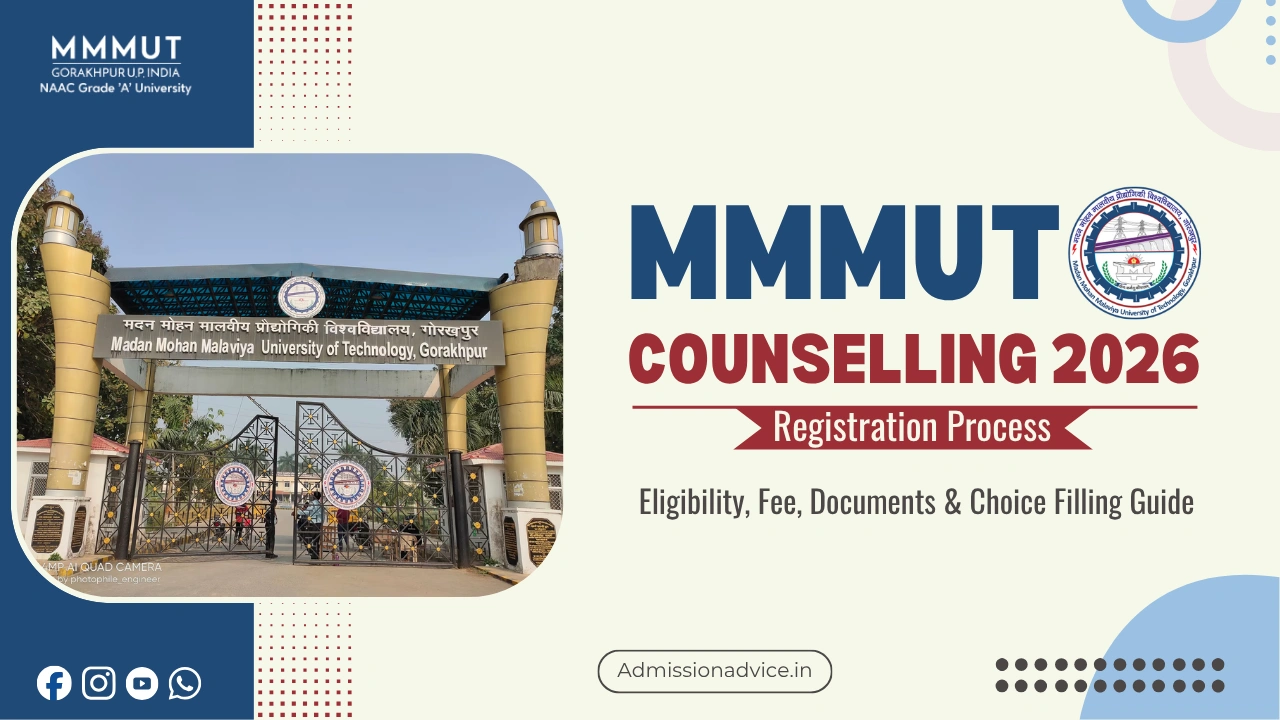
MMMUT Counseling Registration 2026 is the compulsory first step that candidates need to take while pursuing admission through the Malaviya Admission Counseling (MAC). All those students who want to be considered for admission into the first-year of B.Tech courses offered by MMMUT have to register themselves on the official website for counseling at https://mmmut.admissions.nic.in. The application process can be completed by all the students who qualify for JEE Main 2026 examination and satisfy other eligibility criteria.
MMMUT Counseling 2026 Registration is the starting point for every candidate who wants a B.Tech seat at Madan Mohan Malaviya University of Technology, Gorakhpur. Getting the registration right matters because any mistake in the details entered especially category, sub-category, or personal information cannot be changed later and can directly affect your seat allotment.
This article walks you through the complete registration process, what to fill, what to avoid, and answers the questions most candidates have before they begin.
Who Can Register for MMMUT Counseling 2026?
| Candidate Type | Eligibility for Registration |
|---|---|
| Home State (UP) candidates | Passed 10+2 from UP or parents domicile of UP; qualified JEE Main 2026 |
| Other State candidates | Qualified JEE Main 2026 from any state outside UP with parents domicile outside UP; applying for 10% supernumerary seats |
| NRI candidates | Separate process; notified on university website |
| Kashmiri Migrant candidates | Separate offline process at university campus |
Step-by-Step MMMUT Counseling Registration 2026
Step 1: Visit the Official Counseling Portal
Go to https://mmmut.admissions.nic.in. Do not use any other website or third-party portal for registration. All information about registration, schedule, and results is available only here.
Step 2: Create Your Login
Registration on the site starts after getting the application number and roll number of the JEE Main 2026 Entrance Exam by an existing user. Upon successful registration, you get an individual login user ID and password that are needed to continue further actions.
Step 3: Fill Personal and Category Details
After logging into your account, fill up personal details like full name, date of birth, contact details, e-mail id, etc. and select the category and sub-category among the options given such as General, OBC, SC, ST, and EWS categories. Remember that the entered details should match the JEE Main 2026 application form exactly.
As per the university guidelines, it is entirely the candidate’s duty to ensure that personal data, such as category, sub-category, and gender are correct as mentioned in the JEE Main 2026 application. In case of inconsistencies found at any stage of the document verification process, seat allocation or admission may be canceled.
Step 4: Pay the Counseling Fee
After filling in all the required fields in the registration form, making an irrevocable payment of Rs. 2,500 through different payment methods, including net banking, debit or credit cards, or UPI is mandatory.
The counseling fee is non-refundable under all circumstances. Even if you do not fill choices or do not participate further, the fee will not be returned.
Step 5: Upload Required Documents
After fee payment, candidates upload all required documents within the stipulated time. This is a time-bound step. Candidates who miss the document upload deadline are not considered in any round of seat allotment except spot counseling.
Documents to be uploaded during registration:
- Class 10 certificate (for date of birth proof)
- Class 12 / Intermediate marksheet and certificate
- Category certificate (SC/ST/OBC/EWS as applicable), issued in the correct UP government format
- Income certificate (for OBC/EWS/TFW candidates), issued on or after April 1, 2026
- UP domicile certificate of parent (if passed 10+2 outside UP)
- Any sub-category certificate (Defence, Freedom Fighter, PwD)
Step 6: Fill and Lock Branch Choices
After uploading of documents, candidates select and lock branch preferences. All the eight branches available in B.Tech are listed for selection. Candidates can add as many or as few branches as they want.
The order of preference is critical. Once the choices are locked, they cannot be changed under any circumstances. The same locked choices are used for all rounds of seat allotment including spot counseling.
After arranging choices in the preferred order, clicking submit generates an OTP on the registered mobile number and email. Enter the OTP to confirm and lock the choices. After locking, download and take a printout of the locked choices for your records.
Important note on auto-locking: If a candidate fills choices but forgets to lock them before the deadline, the system automatically locks the last saved choices at the expiry of the choice filling window. Seat allotment then happens based on those auto-locked choices. There is no exception to this rule.
Step 7: Print Registration Confirmation
Once you have completed everything, now proceed to download and print the registration confirmation. It carries your registration number along with the summary of all the information you entered for your registration.
Common Mistakes to Avoid During MMMUT Registration 2026
Getting registration right is not difficult, but a few mistakes keep coming up every year.
Entering wrong category details. If you are OBC but accidentally select General, or if your OBC certificate is dated before April 1, 2026, you lose your reservation benefit. Check certificate dates before you upload.
Filling too few branch choices. Many candidates add only CSE and IT. If you do not get those, you are left with nothing. Add all branches you are willing to study in. More choices mean more chances across rounds.
Not locking choices. Filled but unlocked choices are auto-locked, but the order might not be what you wanted if you were rearranging at the last minute. Lock manually once you are satisfied.
Paying but not uploading documents. Paying the registration fee does not complete registration. Documents must be uploaded within the window, or the candidature is excluded from regular seat allotment.
Frequently Asked Questions
Q. When will MMMUT counseling registration 2026 start?
A. MMMUT counseling registration is expected to start from June 2026.
Q. What is the registration fee for MMMUT Counseling 2026?
A. Registration fee for MMMUT counseling 2026 is Rs. 2,500 and it is not refundable.
Q. Can I change my category after submitting the registration form?
A. Any changes to the category/subcategory would not be allowed post-registration form submission.
Q. Can I change my branch choices after locking?
A. No. Once choices are locked, they cannot be modified under any circumstances. All rounds of allotment use the same locked choices.
Q. Is registration mandatory even for candidates who registered in JoSAA or other counseling processes?
A. Yes. MMMUT has its own separate registration process. Any other counseling registration is not valid for MMMUT. Every candidate must register fresh on https://mmmut.admissions.nic.in.
Q. What happens if I register but do not upload documents?
A. Your candidature will not be considered in any round of regular seat allotment. The registration fee will also not be refunded. Document upload is a mandatory step within the window provided.
Q. What documents are needed at the time of registration?
A. You will have to provide Class 10 and Class 12 certificates, along with category income certificates (as applicable), domicile certificate (in case 10+2 passed from outside UP) and sub-category certificates at the time of online counseling registration.
Q. Can other state candidates register for MMMUT Counseling 2026?
A. Students from other states besides Uttar Pradesh are allowed to register and apply for 10% of supernumerary seats allocated to other state in each B.Tech department. Such students should qualify JEE Main 2026 and parent’s domicile of other states besides UP.

Rajesh Mishra is an admission counsellor and the founder of GLN Admission Advice Pvt. Ltd. with more than 16 years of experience in student counselling and admission guidance. He has worked with thousands of students and parents seeking clarity in complex admission processes across India.
His guidance approach is practical, transparent, and strategy focused. Rajesh Mishra helps families understand counselling systems, admission rules, and college selection in simple language so they can make informed decisions.
Through GLN Admission Advice, he provides guidance for Medical, AYUSH, Engineering, MBA, PGDM, and Law admissions, and regularly shares content to help students understand counselling procedures, cutoff trends, and common mistakes during admission counselling.
Rajesh Mishra is an admission counsellor and the founder of GLN Admission Advice Pvt. Ltd. with more than 16 years of experience in student counselling and admission guidance. He has worked with thousands of students and parents seeking clarity in complex admission processes across India.
His guidance approach is practical, transparent, and strategy focused. Rajesh Mishra helps families understand counselling systems, admission rules, and college selection in simple language so they can make informed decisions.
Through GLN Admission Advice, he provides guidance for Medical, AYUSH, Engineering, MBA, PGDM, and Law admissions, and regularly shares content to help students understand counselling procedures, cutoff trends, and common mistakes during admission counselling.