
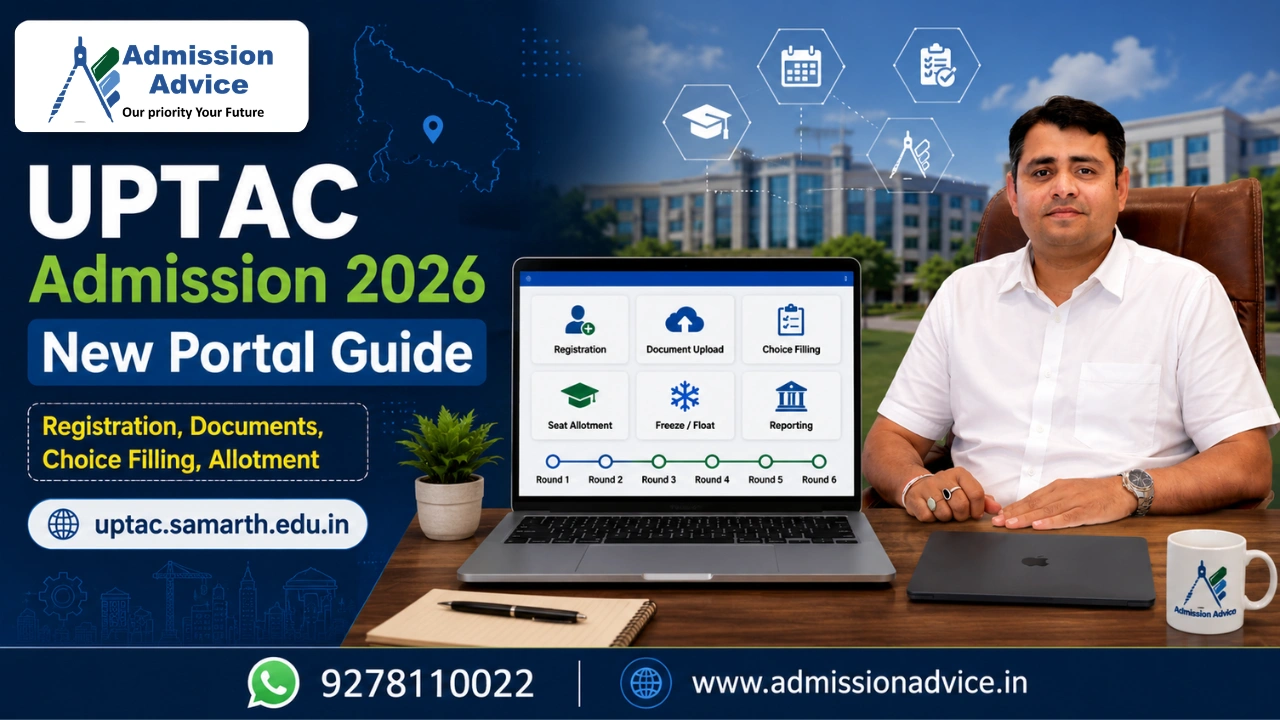
UPTAC admissions NlC in 2026 registration which was earlier done at uptac.admissions.nic.in, has now permanently shifted to https://uptac.samarth.edu.in. Old NlC portal will not be used for UPTAC 2026 henceforth.
B.Tech counseling registration has started on 25th May, 2026 at the new Samarth portal, registration will close on 15th June, 2026. 2 new changes will be seen this year compared to the previous ones in the UPTAC 2026- totally new portal, and compulsory DigiLocker and APAAR ID verification required before any step of registration.
Complete Registration Process at uptac.samarth.edu.in
Step 1-Account Creation: On the given portal, https://uptac.samarth.edu.in, Click on “Register”. Insert full name same as mentioned in Class 10 marksheet, Date of Birth, E-mail, Password, mobile number, verify OTP on both email and mobile. Tick “I Agree” to “Terms and Conditions” on the screen.
Step 2-APAAR ID Verification(Mandatory new step for 2026): After you Agree with the T&C a APAAR ID verification pop up comes which cannot be rejected.
- If you already have an APAAR ID then fill it up and verify via OTP.
- If you do not have APAAR ID: Click on “Click Here to Verify/Create APAAR ID”. It will redirect you to DigiLocker. Login using Mobile + PIN via Meri Pehchaan Single Sign-On. You need to grant consent to share your profile data (Name, DOB, Gender and Photo) with the Academic Bank of Credits. You can find your APAAR ID from the ABC dashboard. You have to go back to the UPTAC portal, click on “Verify APAAR ID”. You will have to enter your APAAR ID and verify using the OTP and you need to grant consent to share your documents with AKTU.
Step 3 – Personal Details: You need to fill all required fields like personal information, domicile, category, sub-category, family information, emergency contact person, combined family income and your address. Verify that the data fetched with the help of APAAR ID is similar to your certificates or else mention it as a mismatch.
Step 4-Document Upload: Upload the required documents: Recent color photograph (JPG/PNG, 10-500 KB), Signature (JPG/PNG, 10-500 KB), UP Domicile Certificate(PDF, 100-500 KB), Class XII marksheet and certificate, JEE Main 2026 score card, category certificates(OBC( Dated On/After 01.04.2026), etc), medical fitness certificate, sub-category certificates if available.
Step 5-Payment: Complete the form, accept the declaration and checkbox and click on “Confirm Details and Pay Registration Fee” and pay an amount of 1,000 through any Credit Card, Debit Card, Net Banking, NEFT/RTGS or UPI. Do not refresh or go back during payment. Save the payment receipt.
Step 6 – Programme Application: After making the payment, proceed to “Apply for a Programme”. Under course, choose B.Tech (All Branches/M.Tech Integrated), and enter the JEE Application Number, this will automatically fetch your rank and score. Then fill in the academic details (Class XII Marks, Board and Subjects) and finally verify the eligibility matrix and submit your application.
Step 7 – Print Application: Download and save the application form which has been submitted, from the dashboard.
Frequently Asked Questions
Q. What is the new UPTAC 2026 registration portal?
A. UPTAC 2026 registration new portal is https://uptac.samarth.edu.in. The old uptac.admissions.nic.in is no longer active.
Q. When did UPTAC 2026 registration open and close?
A. UPTAC 2026 registration opened on 25 May 2026 and end on 15 June 2026.
Q. Is APAAR ID mandatory for UPTAC 2026 registration?
A. Yes. APAAR ID verification through DigiLocker is mandatory before any registration step.
Q. What is the registration fee?
A. UPTAC Counsell1ng 2026 registration fees is Rs.1,000, non-refundable, payable online via Card, Net Banking, or UPI.
Q. Can I register after 15 June 2026?
A. Only for Special Rounds Phase 2 registration from 18th to 21st July 2026 (Special Round 1) and 27th to 28t July 2026 (Special Round 2).
Q. What happens if registration form has a discrepancy?
A. It is likely to be rejected. No representation is entertained, verify all details before submission.

Rajesh Mishra is an admission counsellor and the founder of GLN Admission Advice Pvt. Ltd. with more than 16 years of experience in student counselling and admission guidance. He has worked with thousands of students and parents seeking clarity in complex admission processes across India.
His guidance approach is practical, transparent, and strategy focused. Rajesh Mishra helps families understand counselling systems, admission rules, and college selection in simple language so they can make informed decisions.
Through GLN Admission Advice, he provides guidance for Medical, AYUSH, Engineering, MBA, PGDM, and Law admissions, and regularly shares content to help students understand counselling procedures, cutoff trends, and common mistakes during admission counselling.
Rajesh Mishra is an admission counsellor and the founder of GLN Admission Advice Pvt. Ltd. with more than 16 years of experience in student counselling and admission guidance. He has worked with thousands of students and parents seeking clarity in complex admission processes across India.
His guidance approach is practical, transparent, and strategy focused. Rajesh Mishra helps families understand counselling systems, admission rules, and college selection in simple language so they can make informed decisions.
Through GLN Admission Advice, he provides guidance for Medical, AYUSH, Engineering, MBA, PGDM, and Law admissions, and regularly shares content to help students understand counselling procedures, cutoff trends, and common mistakes during admission counselling.