
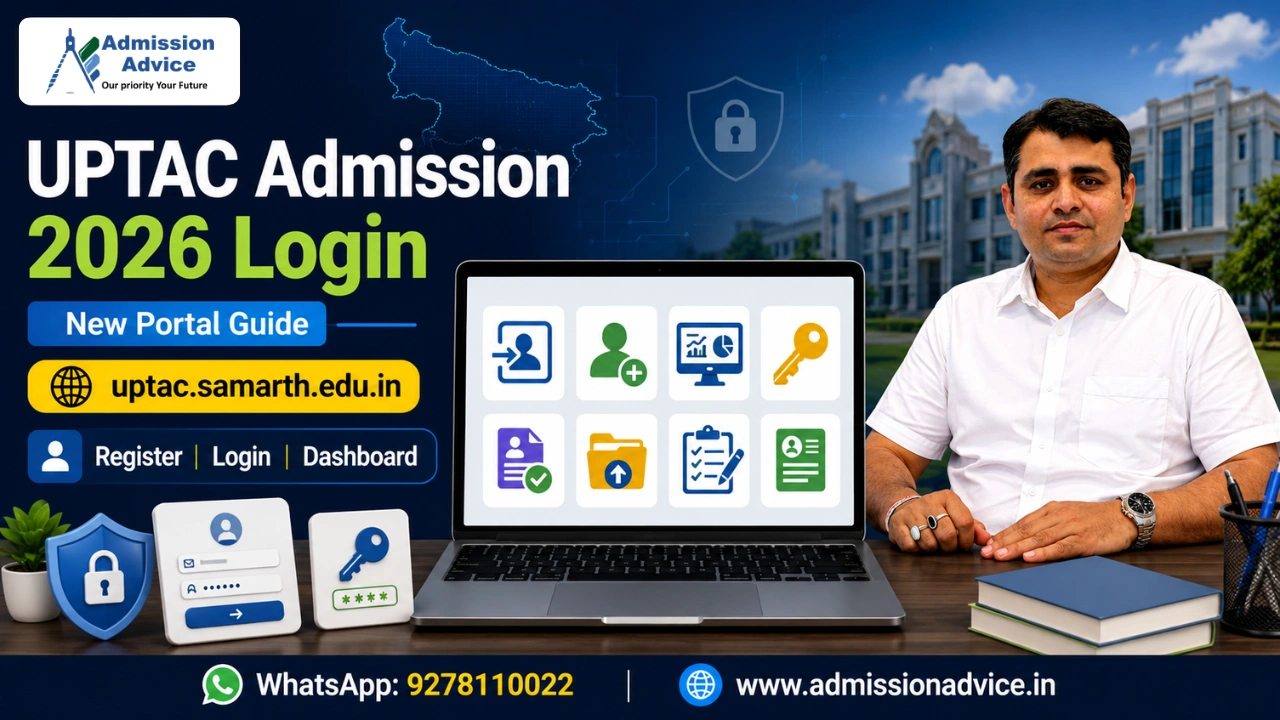
UPTAC admission NIC login old portal at uptac.admissions.nic.in is no longer active for UPTAC 2026. Dr. A.P.J. Abdul Kalam Technical University (AKTU) has moved the entire UPTAC 2026 counselling process to a new Samarth-based portal at https://uptac.samarth.edu.in.
Every activity from account creation, registration, document upload, choice filling, allotment checking, fee payment, and application management is now handled exclusively on this new portal. Candidates who try to access the old NIC portal will not be able to complete any 2026 counselling activity there.
How to Login at uptac.samarth.edu.in
For a new user, to login in the UPTAC 2026 portal after your account has been created, you are required to do the following-
- Visit https://uptac.samarth.edu.in
- Click the ‘Login’ option on the homepage
- Type your Registered Email Id and password
- Fill in the Captcha
- Click on ‘Sign In’ to enter your personal dashboard
In case of forgotten passwords, simply click on “Forgot Password” in the log-in page, fill up your email id on which you registered, complete the captcha, and a link to reset your password will be sent to your email right away.
First Time User-Account creation: All first time users need to click “Register” on the site instead of logging in. They need to fill up their Full Name which is exactly as on their Class 10 marksheet, DOB, email id, password and mobile no. Both email ids and mobile numbers have to be verified using OTPs. Then they will have to agree to terms and conditions. The next mandatory thing to do in UPTAC 2026 is to get their APAAR ID verified via DigiLocker, after which no other features of the portal are accessible.
What You Can Access After Login
After logging in at https://uptac.samarth.edu.in your dashboard provides you access to all phases of UPTAC 2026 counselling:
Profile and Application Management: Here you can view and update your personal details, check your APAAR ID linkage status, view the status of your application across all submitted programmes and take a printout of your application form.
Choice Filling: During the choice filling window which is already active for (Round 1: 22-25 June 2026, Round 2: 30 June-1 July 2026, Round 3: 6-7 July 2026, Special Round 1: 19-23 July 2026, Special Round 2: 27-30 July 2026), you can directly access the choice filling section from your dashboard.
Allotment Results: Once the allotment is done for each round (Round 1: 27 June, Round 2: 3 July, Round 3: 9 July, Round 4: 11 July, Special Round 1: 25 July, Special Round 2: 31 July) you need to log in to the portal to check which college and branch has been allotted, take a printout of your allotment letter, pay the seat confirmation fee, and respond withFreeze or Float.
My Payments: Here you can view all your transaction history and check the status of payments, print receipts if paid. If payment fails, aCheck Paymentbutton is enabled for further checking.
Help Center: Here you can submit your queries, choose a query type, submit the details of your issue with any supporting document uploaded. The query you submit gets a ticket number which you can track here. This section also has FAQs about all issues faced during counseling includingLogin problems.
Document Verification Status: From here you can check if your submitted documents have been verified and if you have been sent any queries that require an answer.
Announcements: Official AKTU/UPTAC notifications as well as schedule changes are posted in this section. Regularly check it throughout the counseling process.
Frequently Asked Questions
Q. What is the UPTAC 2026 Login Portal?
A. UPTAC 2026 new Login Portal is https://uptac.samarth.edu.in/ The earlier portal uptac.admissions.nic.in has been closed.
Q. What do I require to log in to UPTAC 2026?
A. You are required to have your registered email ID and the password created during your account creation.
Q. How can I retrieve my forgotten UPTAC 2026 login password?
A. Click on Forgot password at the login page. You will get a reset password link at your registered email.
Q. Do I need to enter my APAAR ID every time I want to login to UPTAC 2026?
A. No, APAAR ID will only be verified once in the first login stage after registration.
Q. Can I immediately go for Choice Filling once logged in?
A. Only after the window is opened for your specific round.

Rajesh Mishra is an admission counsellor and the founder of GLN Admission Advice Pvt. Ltd. with more than 16 years of experience in student counselling and admission guidance. He has worked with thousands of students and parents seeking clarity in complex admission processes across India.
His guidance approach is practical, transparent, and strategy focused. Rajesh Mishra helps families understand counselling systems, admission rules, and college selection in simple language so they can make informed decisions.
Through GLN Admission Advice, he provides guidance for Medical, AYUSH, Engineering, MBA, PGDM, and Law admissions, and regularly shares content to help students understand counselling procedures, cutoff trends, and common mistakes during admission counselling.
Rajesh Mishra is an admission counsellor and the founder of GLN Admission Advice Pvt. Ltd. with more than 16 years of experience in student counselling and admission guidance. He has worked with thousands of students and parents seeking clarity in complex admission processes across India.
His guidance approach is practical, transparent, and strategy focused. Rajesh Mishra helps families understand counselling systems, admission rules, and college selection in simple language so they can make informed decisions.
Through GLN Admission Advice, he provides guidance for Medical, AYUSH, Engineering, MBA, PGDM, and Law admissions, and regularly shares content to help students understand counselling procedures, cutoff trends, and common mistakes during admission counselling.